
I Can't See a Feature or Button
If a menu item, tab, or button you expect to see isn’t there, it’s almost always because your role doesn’t include permission for that area.
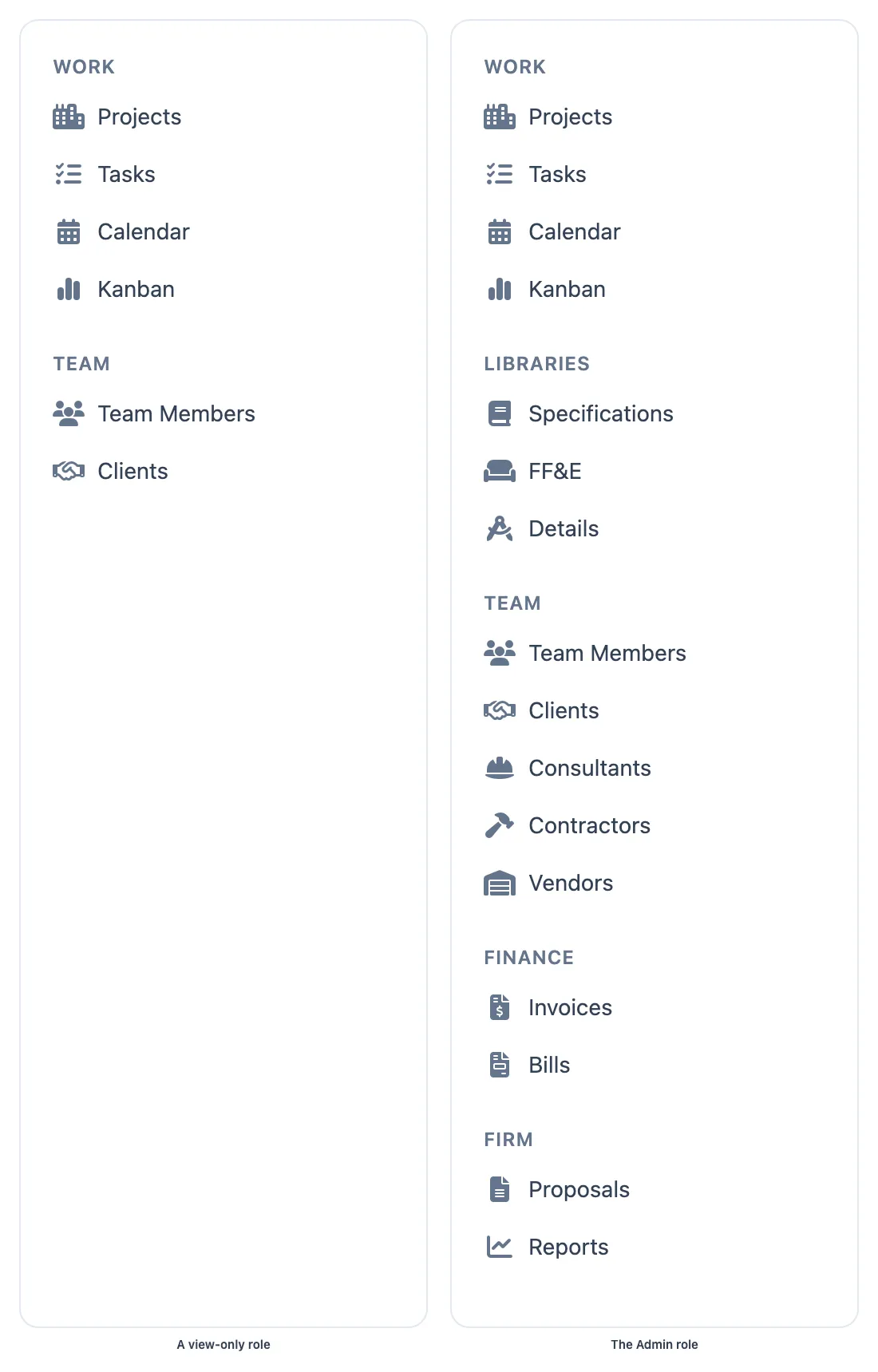
The same firm seen by two different roles.
How access works
Section titled “How access works”AECPulse controls what you see based on the roles assigned to your account. If your role doesn’t include a certain permission:
- The menu item won’t appear in the sidebar.
- Tabs (like Compensation or Contract Information) won’t appear on detail pages.
- Buttons (like Edit, Delete, or Add) won’t appear.
- Going directly to a URL you don’t have access to redirects you to a “no access” page.
This is by design — it keeps sensitive information visible only to the right people.
What to do
Section titled “What to do”Step 1 — Confirm it’s a permissions issue
Section titled “Step 1 — Confirm it’s a permissions issue”Try navigating directly to the area (if you know the URL). If you see the “Access Denied” page, you’ve confirmed it’s a permissions issue — use its Back to Dashboard button to return to where you were.
Step 2 — Ask your administrator
Section titled “Step 2 — Ask your administrator”Contact your firm’s AECPulse administrator and explain:
- Which feature, button, or area you’re trying to access
- What you’re trying to do with it
Your administrator can check your role assignments and add the permission if appropriate.
Step 3 — Administrators: check roles
Section titled “Step 3 — Administrators: check roles”If you’re the administrator and you’re missing something:
- Go to Admin → Roles and review the permissions on your assigned roles.
- Go to Team Members, open your own record, and check the Roles tab to confirm the right roles are assigned.
See Create and edit roles and Assign roles to a team member.