
Switch Light and Dark Mode
AECPulse supports both light and dark display themes. You can switch between them at any time using the toggle in the top bar.
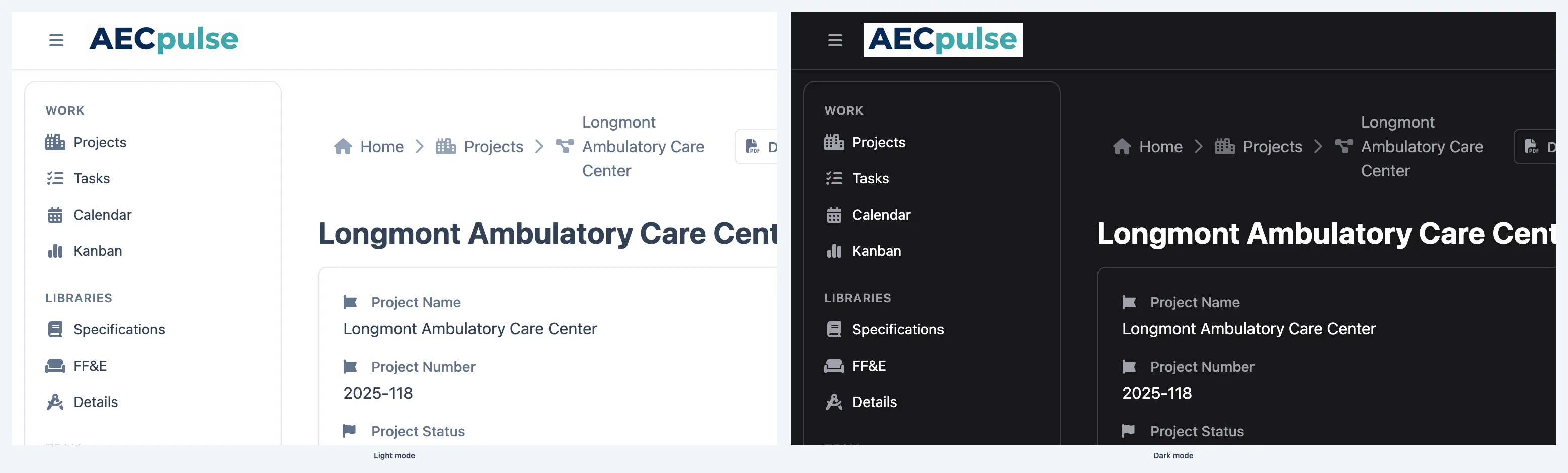
- Look at the top bar at the top of any page.
- Find the light/dark mode toggle — it looks like a sun or moon icon.
- Click it to switch between light mode and dark mode.
The theme changes immediately and applies to the whole app.
Is the setting saved?
Section titled “Is the setting saved?”Yes. AECPulse remembers your preference. The next time you sign in on the same browser and device, it will use the theme you last selected.