Can't Sign In
If you’re having trouble signing in, work through the checks below.
Check 1 — Are you using the right web address?
Section titled “Check 1 — Are you using the right web address?”Each firm has its own AECPulse address. Make sure you’re going to your firm’s address, not a generic AECPulse URL.
Your firm’s address looks like: yourfirm.aecpulse.com
Ask your administrator if you’re not sure what your firm’s address is.
Check 2 — Have you activated your account?
Section titled “Check 2 — Have you activated your account?”New users must activate their account before they can sign in. Look for an activation email from AECPulse in your inbox (check your spam/junk folder too).
The email contains a 6-character verification code. Enter it on the activation page along with your firm’s address, then try signing in.
If you never received the activation email:
- Check your spam or junk folder.
- Ask your administrator to resend the activation email.
Check 3 — Is your activation code expired?
Section titled “Check 3 — Is your activation code expired?”Activation codes expire after a set period. If yours no longer works, ask your administrator to resend the activation email.
Check 4 — Problems with your verification code
Section titled “Check 4 — Problems with your verification code”AECPulse doesn’t use passwords — you sign in with a 6-character code emailed to you each time.
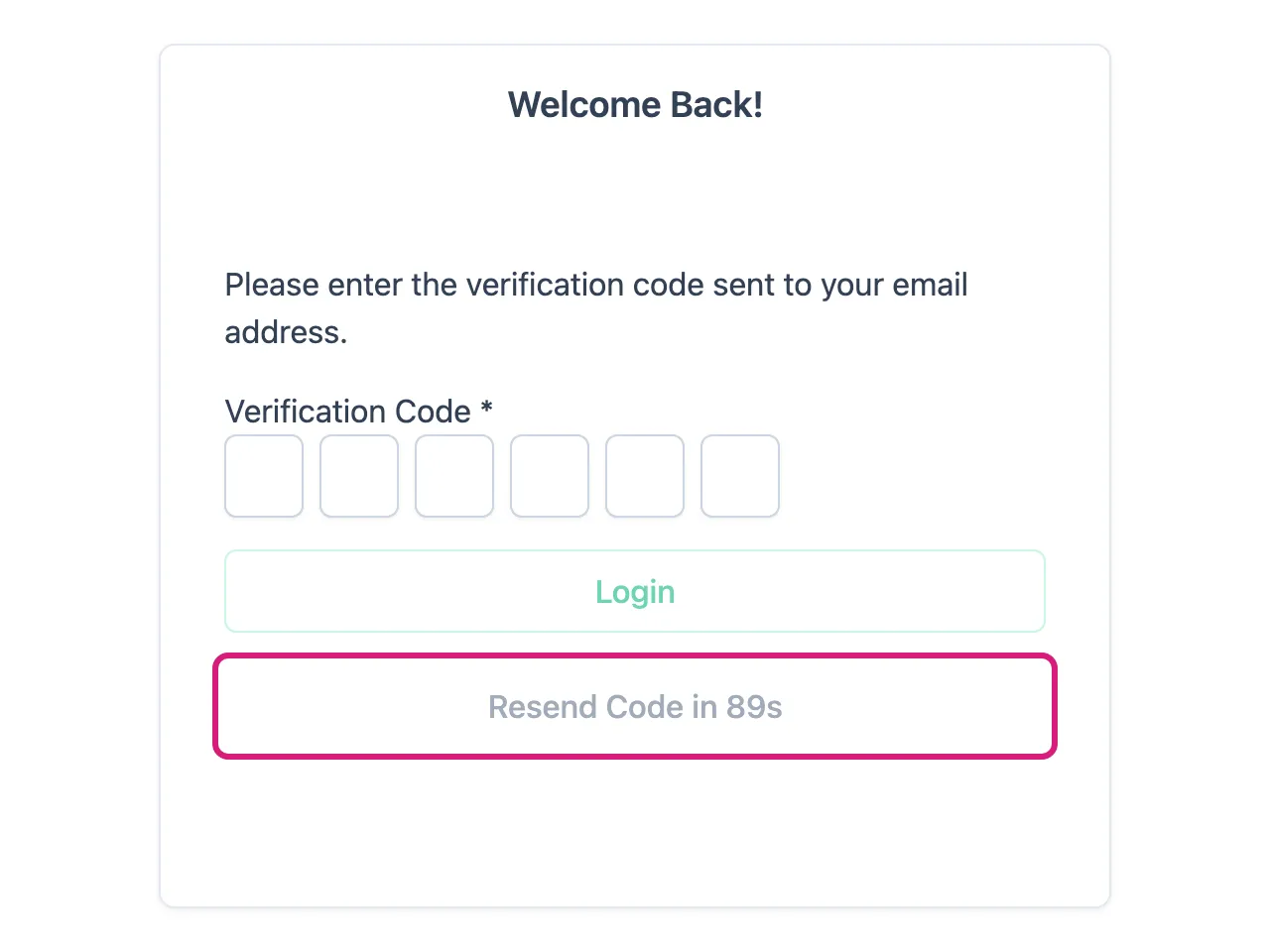
- The code hasn’t arrived. Check your spam or junk folder, then use Resend Code on the code-entry screen. There’s a short countdown before you can request another.
- The code stopped working. Codes expire 30 minutes after you request them. Request a new one.
- You requested several codes. Only the most recent one works. Use the code from the newest email in your inbox.
- You see “Too many login codes requested.” You’ve asked for more than 15 codes in a short time. Wait a few minutes — the last code you were sent still works in the meantime.
- Make sure you’re entering the email address that was used when your account was set up.
Check 5 — Browser issues
Section titled “Check 5 — Browser issues”Try these steps:
- Clear your browser cache and cookies.
- Try a different browser.
- Make sure your browser is up to date.
You were signed out while working
Section titled “You were signed out while working”If you see “Your session has expired. Please sign in again.” partway through your work, your sign-in has simply timed out. Sign in again and repeat the action — nothing you had already saved is lost, but anything still on screen and unsaved will need to be re-entered.
This can also happen if your administrator changes your role while you’re signed in. Signing back in picks up your new access.
Still can’t sign in?
Section titled “Still can’t sign in?”Contact your firm’s AECPulse administrator. If the whole firm is affected (nobody can sign in), contact AECPulse support.