
Build Phases, Milestones, and Deliverables
Before you start: You need an existing proposal or project to add phases to. See Create a proposal or Convert a proposal to a project.
Phases break your project into major stages of work. Each phase contains milestones (key checkpoints) and deliverables (specific outputs).
Opening the edit screen
Section titled “Opening the edit screen”The Milestones & Phases tab (on a proposal) or Phases & Milestones tab (on a project) shows your phases and lets you change a phase’s status. To add or change phases, milestones, and deliverables, open the edit screen:
- Open the proposal or project.
- Go to the Milestones & Phases / Phases & Milestones tab.
- Click Edit Phases & Milestones on the tab (this opens the same edit screen as the Edit Proposal / Edit Project button at the top of the page).
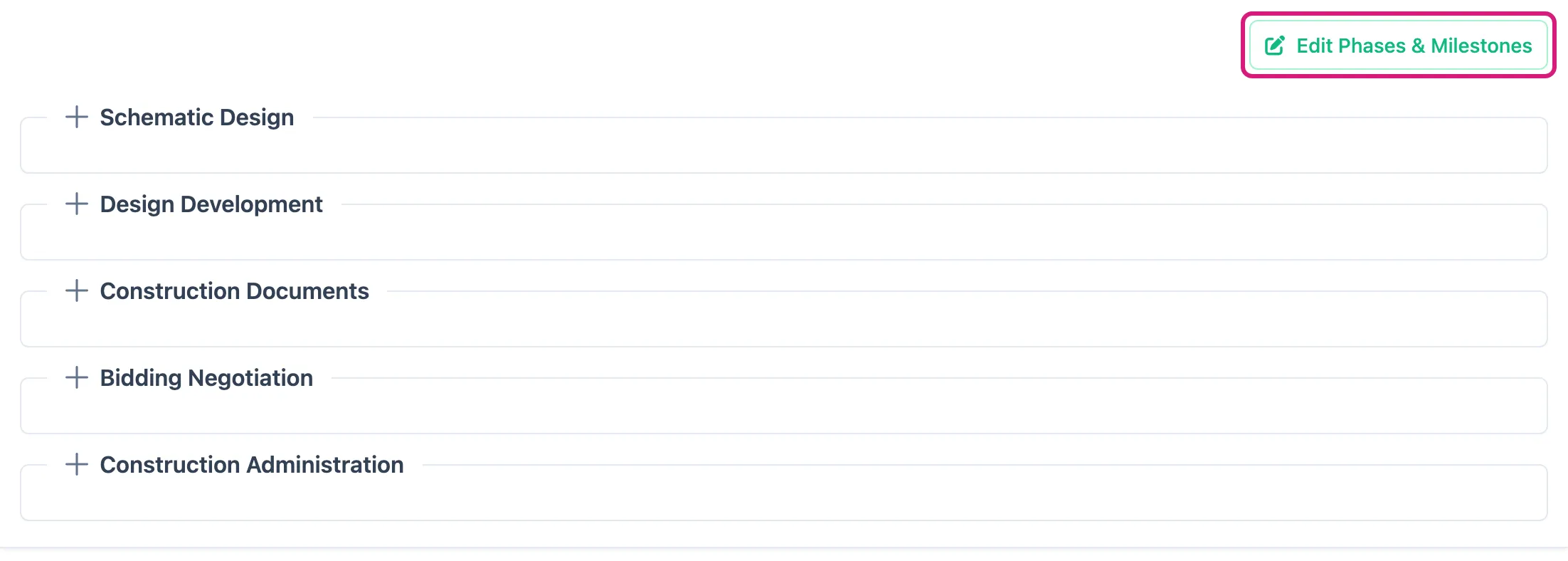
The Edit Phases & Milestones button appears only when the proposal or project can still be edited and you have permission to make changes.
Adding a phase
Section titled “Adding a phase”- On the edit screen, go to the phases section.
- Click Add Phase.
- Choose the phase type from the list:
- Schematic Design
- Design Development
- Construction Documents
- Bidding Negotiation
- Construction Administration
- Post Construction
- Commissioning
- Marketing
- Extra Services
- Preliminary Design
- Set the status for the phase (Not Started, In Progress, Completed, Stalled, On Hold, or Cancelled).
- Save the phase.
Setting a phase status
Section titled “Setting a phase status”To update the status of a phase:
- Open the proposal or project and go to the phases tab.
- Find the phase you want to update.
- Change the status using the status control next to the phase name.
Adding milestones
Section titled “Adding milestones”- Find the phase you want to add a milestone to.
- Click Add Milestone within that phase.
- Enter the milestone name and any relevant dates.
- Save.
Adding deliverables
Section titled “Adding deliverables”- Find the milestone you want to add a deliverable to.
- Click Add Deliverable within that milestone.
- Enter the deliverable name and details.
- Save.
Editing and removing
Section titled “Editing and removing”- Open the edit screen with Edit Phases & Milestones (or Edit Proposal / Edit Project), then change any phase, milestone, or deliverable’s details.
- Use the delete or remove option to remove an item. Removing a phase will also remove its milestones and deliverables.